
SSL UF8 and UC1 DAW Controllers: A Complete Mixing Workflow Guide
The SSL UF8 and UC1 bring console-style tactile control to your DAW. Here is how to build a professional mixing workflow with SSL's DAW controllers, and how the UF1 fits in.
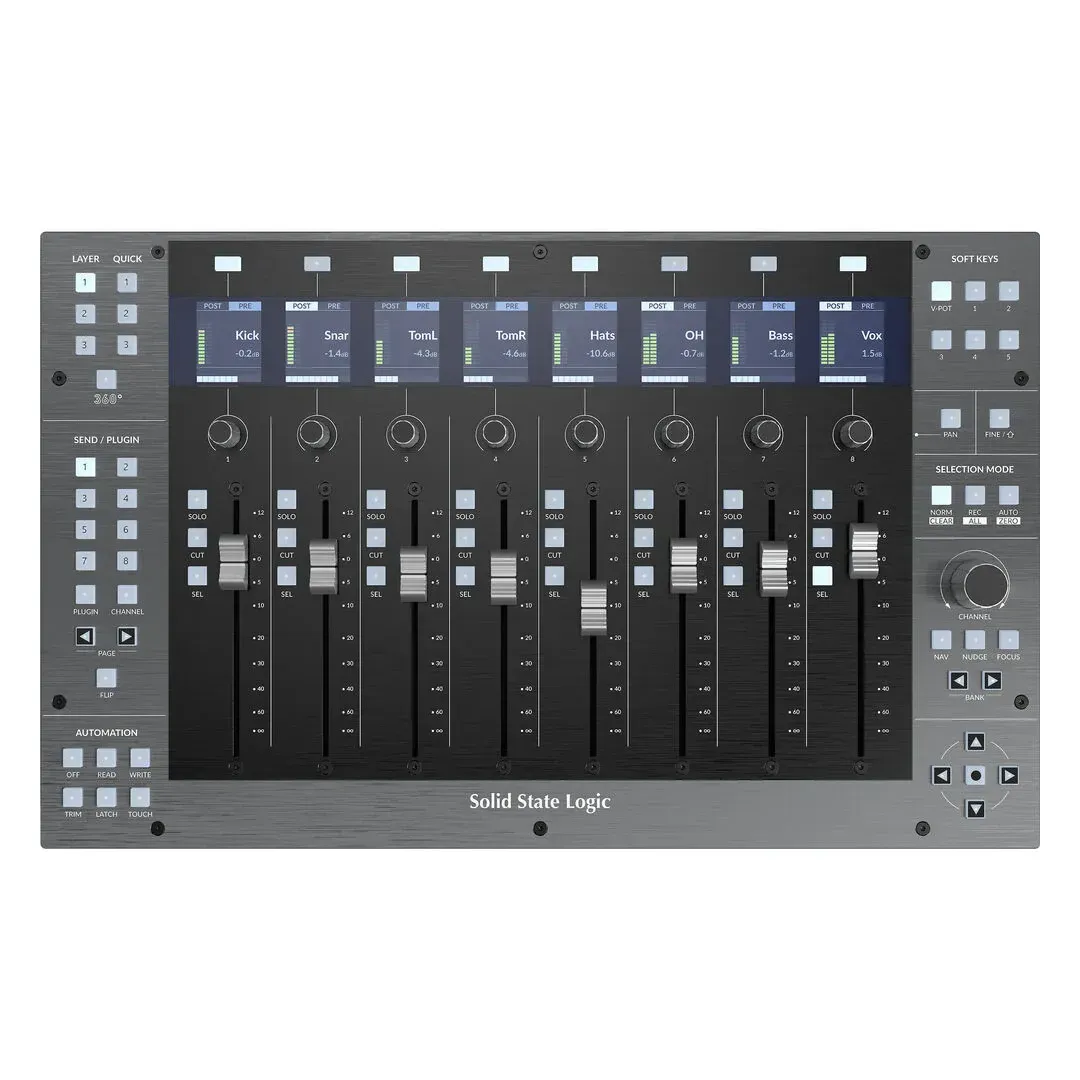
Mixing with a mouse works, but it is a different experience from reaching for a fader you can actually feel. The Solid State Logic UF8 and UC1 bring console-style control to a desktop setup, and together they change how you work.
Why a DAW controller at all
Moving one parameter at a time with a mouse makes some things impossible. You cannot ride several faders at once, automation passes feel mechanical, and after a few hours your hand and wrist notice it. A controller fixes all three: you mix with your hands and your ears rather than your eyes.
The SSL UF8: your mixing surface
The UF8 is an 8-fader DAW controller in an all-metal chassis with a brushed, anodised top plate.
- 8 x 100 mm motorised, touch-sensitive faders
- 9 push/push rotary encoders for pan, sends and plug-in parameters
- 8 high-resolution colour TFT displays showing channel name, metering and values
- 43 assignable soft keys per unit (5 banks of 8 user keys plus 3 quick keys)
- Up to four UF8 units link for 32 channels of control
- Can connect to up to three DAWs at once
It grows with you
One UF8 gives you eight channels. Add a second, third or fourth and they behave as one continuous surface, so the same controller suits a bedroom setup mixing a single song and a commercial room mixing a large session.
The SSL UC1: plug-in control
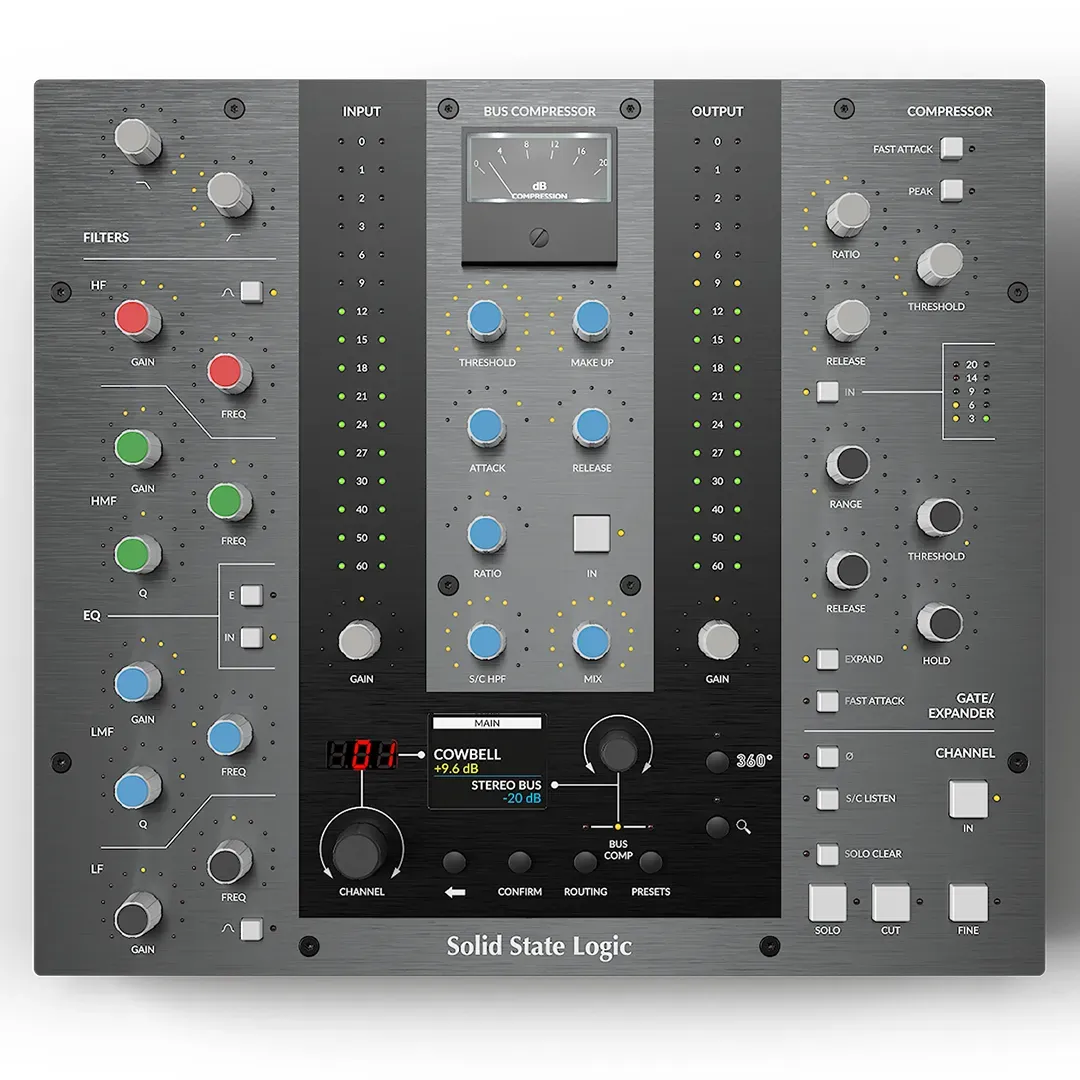
Where the UF8 handles levels, the UC1 handles plug-ins. Its knobs and buttons map directly to SSL's own channel strip and bus compressor plug-ins, plus any VST, AU or AAX plug-in that supports the UC1 protocol. You get hardware-style control over EQ and dynamics instead of drawing curves with a mouse.
The SSL UF1: single-channel control
The UF1 is a one-channel version: a single fader with encoders and a display in a compact desktop unit. It suits smaller rigs, or works alongside a UF8 when you want a dedicated channel strip always under your hand.
Building the workflow
- Start with the UF8. Load the workflow template for your DAW, then map the user keys to what you reach for most: zoom, solo, record arm, save.
- Add the UC1. Assign it to your main processing chain. The SSL channel strip and bus compressor are the natural first choices.
- Link more UF8s when eight faders is not enough. They appear as one contiguous surface.
- Add a UF1 if you want a permanent single-channel strip while the UF8 handles the rest of the mix.
Who it is for
- Mixing engineers who want console-style control without a full console
- Producers who want to get away from the mouse and mix by feel
- Post-production rooms that need precise, repeatable control
- Educators teaching mixing on real hardware
Shop SSL DAW controllers at OneStopMusic
- Solid State Logic UF8 Advanced DAW Controller
- SSL UC1 Plug-In Control Surface
- SSL UF1 Single Channel DAW Controller
- Solid State Logic UF8 Rack Kit
Browse the full range of Solid State Logic products.
Related Articles & Videos
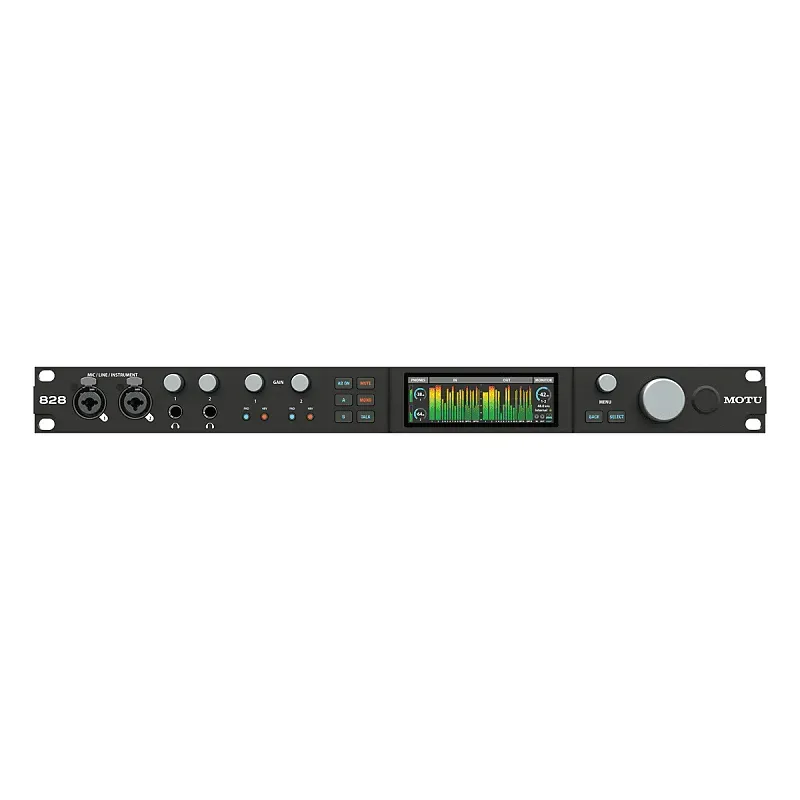
The MOTU 828 and UltraLite Mk5 both offer serious I/O for the money. We compare them, and place the M2, M4, M6, 8pre-es and 16A in the range, so you can pick the right one.
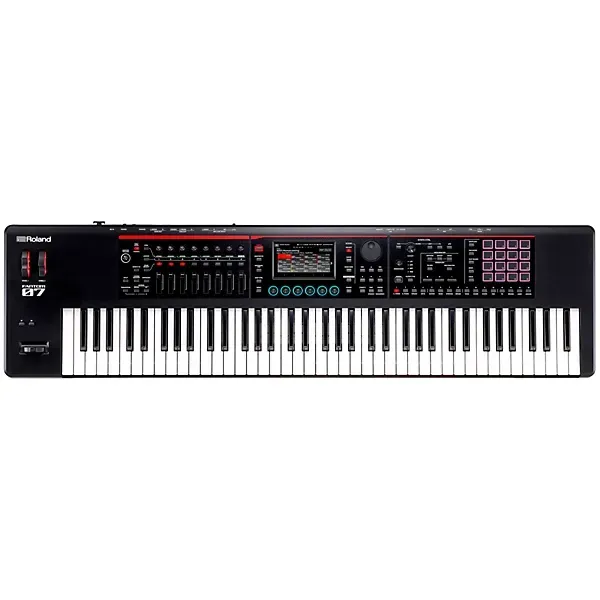
The Roland FANTOM-07 puts a deep synthesis engine, fast touchscreen workflow and real DAW integration into a 76-key instrument. Here is how it holds up, and how to choose between the FANTOM-06, 07 and 08.
The Boss Katana Gen 3 brings the new Pushed voice, Bluetooth editing and a revised Tone Studio to the best-selling amp line in the world. Here is the full review, and which model to buy.